
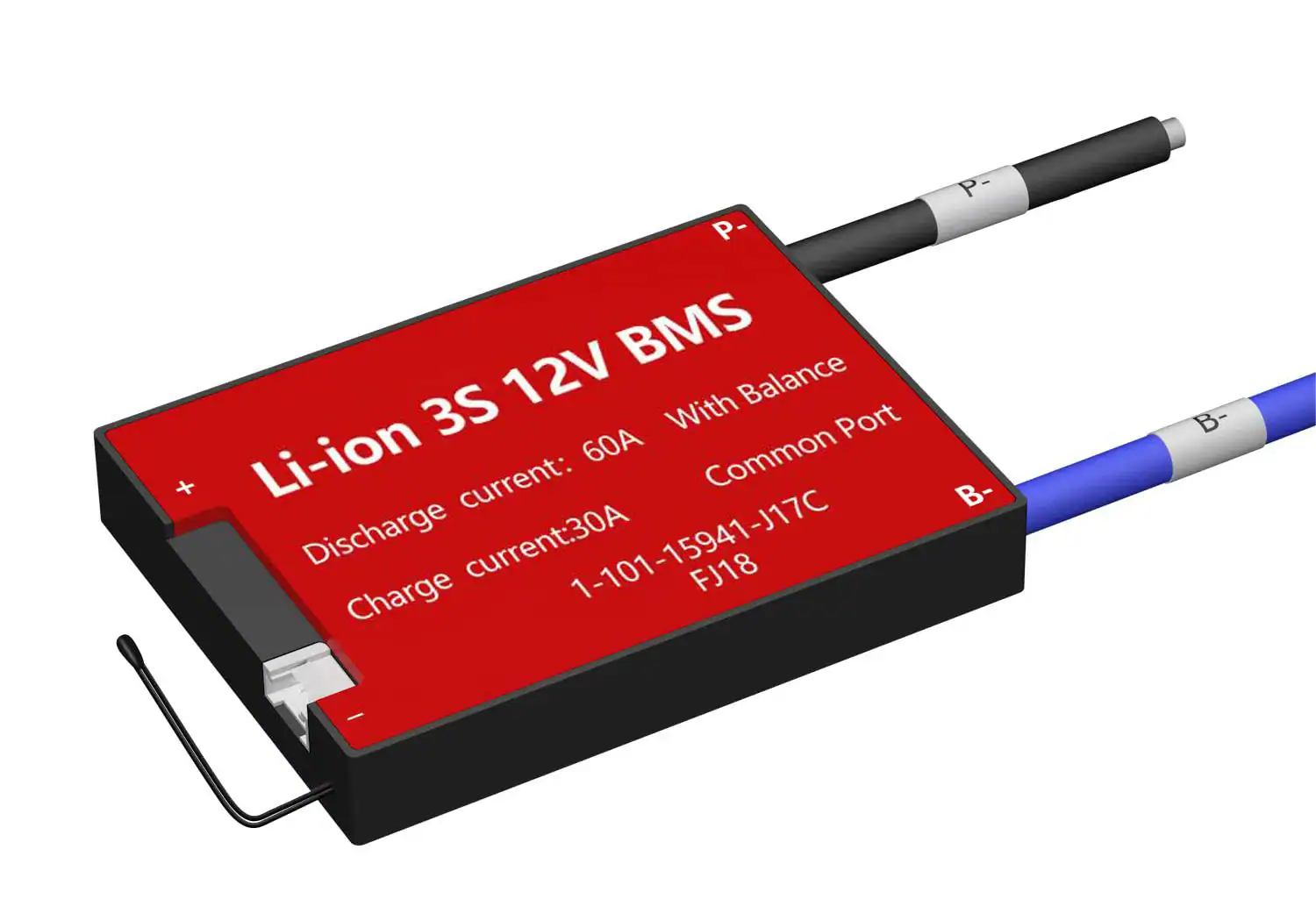
Most users think of a lithium battery as a simple energy box, but the real magic—and sometimes the mystery—lies in the Battery Management System (BMS). Think of the BMS as the battery’s brain: it monitors, protects, and occasionally “talks” to you through alarms.
If your battery percentage seems “jumpy” or the system is throwing a fault, it’s usually the BMS doing its job to protect the chemistry. Here is how to manage the most critical aspects of your battery’s brain.
1. Fixing the “Lying” Battery: SOC Calibration
Have you ever seen your battery percentage drop from 20% to 0% in an instant? This is usually an estimation error in the State of Charge (SOC). To get an accurate reading, the BMS needs to “re-learn” the battery’s true capacity.
The Official Calibration Routine:
-
Step 1: Discharge the battery until the BMS triggers its low-voltage protection.
-
Step 2: Charge the battery continuously and without interruption until it reaches the BMS overvoltage protection.
-
The Result: This completes the SOC learning process, anchoring the 0% and 100% points for a precise display.
2. The “Secret Handshake”: Critical Wiring Sequence
Whether you are installing a new system or replacing a unit, the order of connection is vital. Plugging wires in randomly can permanently damage the BMS circuit board.
| Action | Connection Sequence |
| Power-On (Connecting) |
1. Connect B-, P-, B+, and P+ in that exact order.
2. Plug in the battery sampling line connectors in ascending order from low to high voltage. |
| Power-Off (Disconnecting) |
1. Unplug the charger or load first.
2. Remove sampling line connectors in descending order from high to low voltage.
3. Finally, disconnect P+, B+, P-, and B-. |
Note: Only after all connections are completed should a load or charger be added to the system.
3. Troubleshooting Guide: Decoding Alarms and Faults
When the Buzzer alarm sounds or the LED flashes, the BMS is reacting to a specific parameter. Most alarms are normal safety responses rather than hardware failures.
Common Protection Layers:
-
Voltage & Current: The BMS monitors total pressure, individual cell voltage, and overcurrent to prevent damage.
-
Environment: High and low-temperature charge/discharge protection ensures the battery only operates in safe zones.
-
Self-Healing: Once the battery information reaches the fault recovery threshold, the BMS will automatically clear the alarm.
How to Resolve Issues:
-
Use the Tools: View the specific fault through the BMS host computer or mobile APP.
-
Identify the Cause: If a fault is non-recoverable, the APP will provide the specific reason.
-
Take Action: Follow the recommended measures based on the specific error code provided by the software.
Summary of Advanced BMS Functions
Beyond basic protection, modern BMS units offer several sophisticated features to keep your system healthy:
-
Charge Balancing: Uses passive (default) or active balancing to keep cells level.
-
SOH Estimation: Tracks the State of Health to monitor long-term battery aging.
-
Communication: Integrated RS485, CAN, and RS232 ports allow for seamless integration with inverters and monitoring systems.
